Get Started with Avis Product Reviews
How do I set up Avis?
Install Avis Product Reviews from the Shopify App Store and it opens on Set up Avis, five steps: add the Avis Reviews block to your product page, turn on the Avis app embed, pick a style, choose how review requests go out, and choose a plan. Setup takes about three minutes, and every step can be skipped.
Avis Product Reviews is a Shopify app that collects photo and video reviews after each order and imports reviews from another review app. On Welcome to Avis, click Start setup.
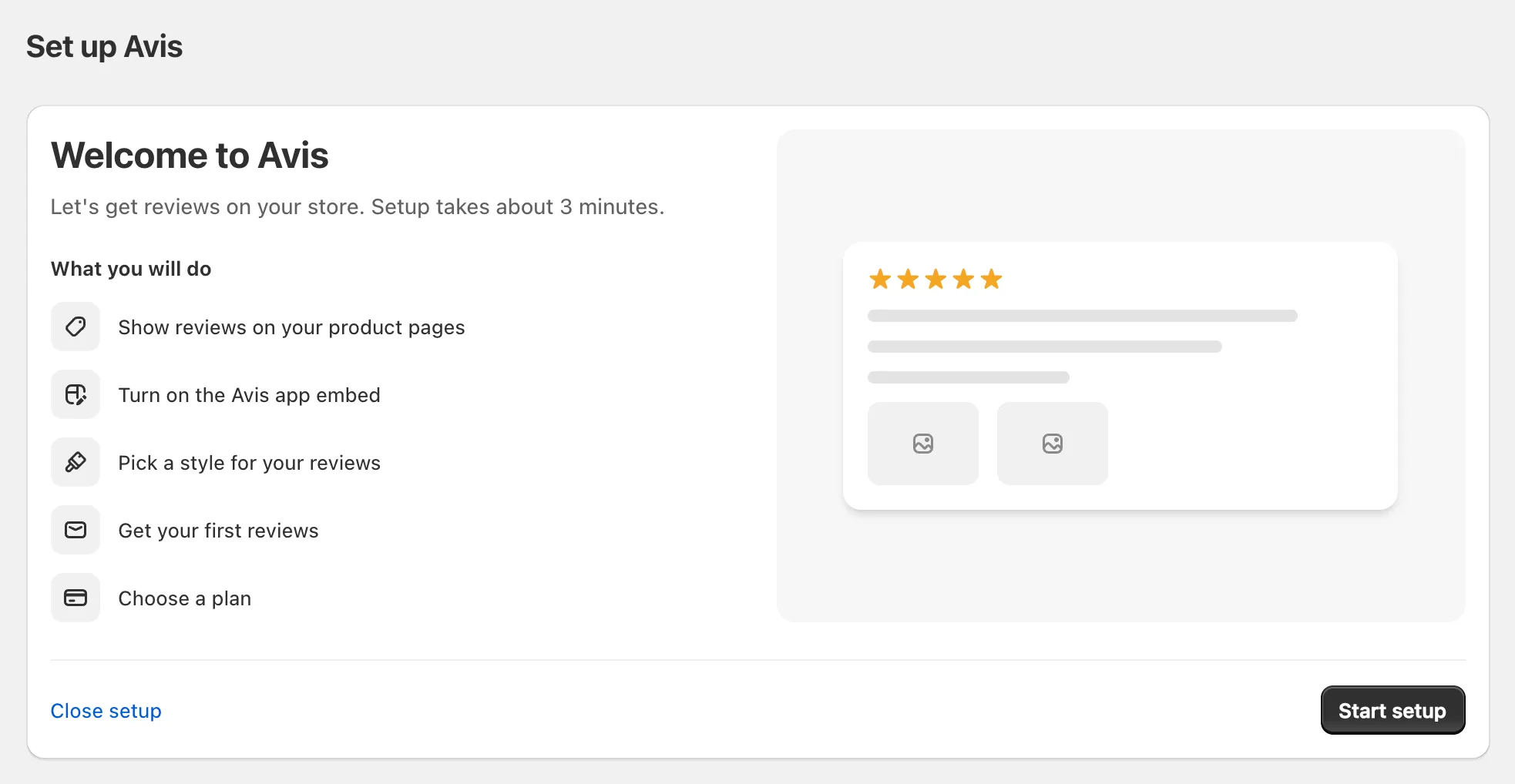
- Add reviews: click Add Avis Reviews block. The theme editor opens in a new tab with the block on your product page. Drag it into place, click Save and come back. The step reads Added.
- Turn on app embed: click Open theme editor. Avis is already switched on under App embeds: click Save and come back. The step reads On.
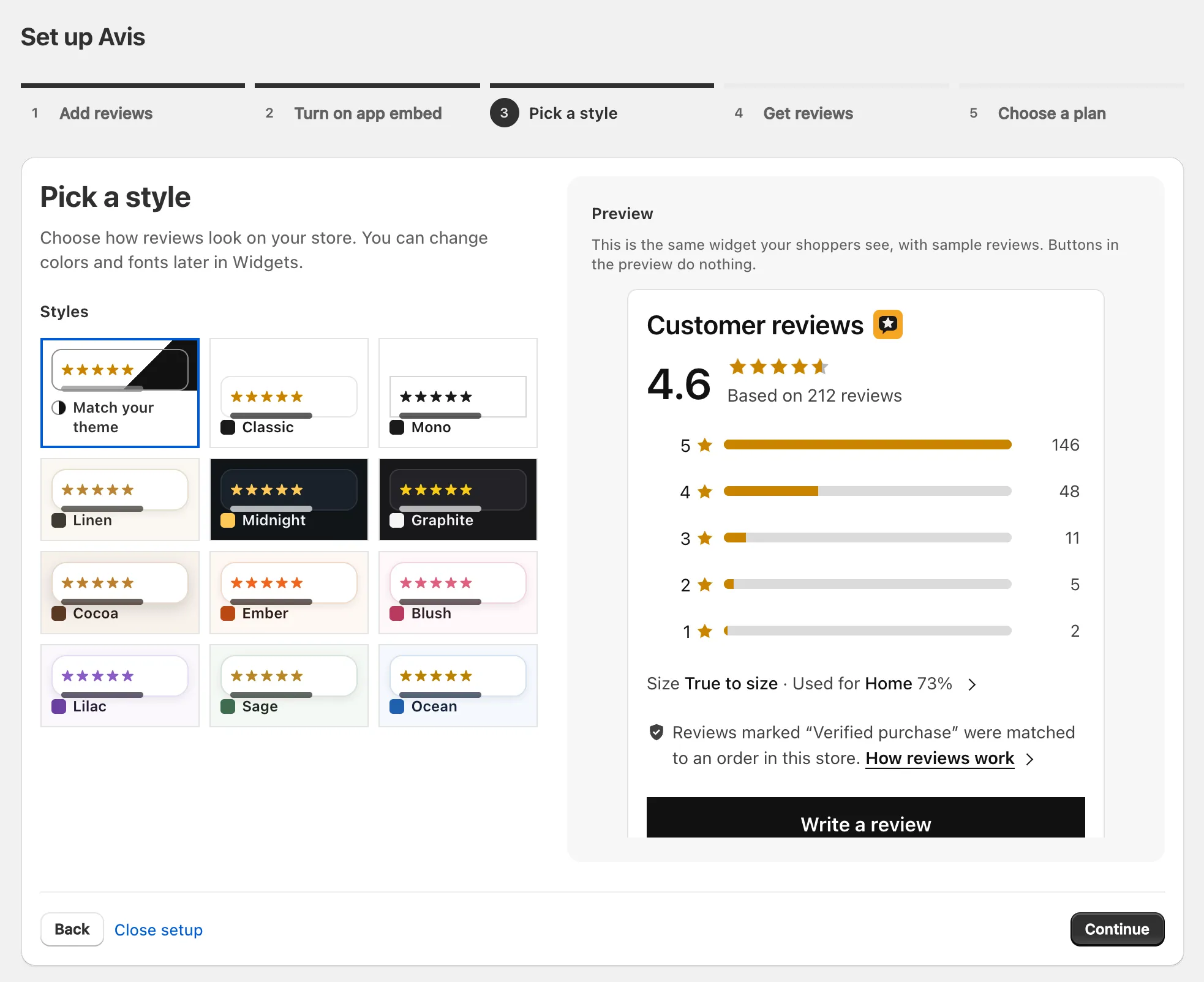
Pick a style: choose a look beside a live preview. Change it later under Widgets → Design.
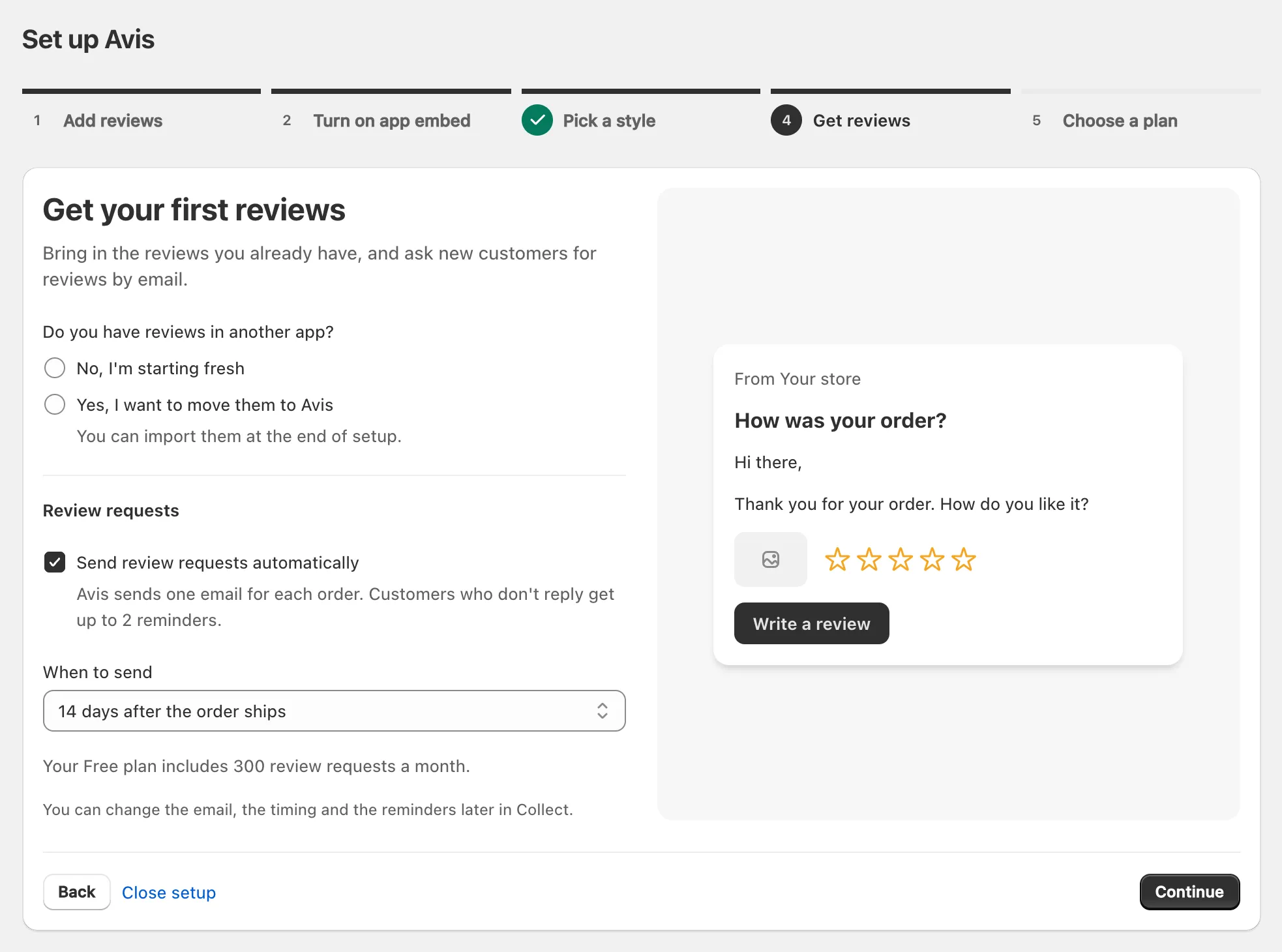
Get reviews: Send review requests automatically starts ticked; choose When to send, a number of days after the order ships, and answer Do you have reviews in another app?
- Choose a plan: click Start with Free, or pick a paid plan and approve it on Shopify’s screen (compare Avis plans).
The last screen, You’re all set, offers Import reviews and See widgets. Skip setup is on every step, and the two theme steps also have Skip for now; until you finish or skip setup, every Avis page opens on it. If you skip Get reviews, automatic requests stay off until you switch them on in Collect → Timing & rules.
Note: On a development store, Avis shows Avis does not work on development stores: it verifies reviews against real orders, so it needs a paid Shopify plan.
Important: “Blocks need an Online Store 2.0 theme. Older themes cannot show them.” Shopify’s theme architecture versions page shows how to check yours.
Why does Avis need its app embed?
Avis Product Reviews needs its app embed, named Avis, for two jobs the Avis Reviews block doesn’t do: it adds review structured data to your product pages, which Google can use for star ratings in its results, and it runs the pop-up, the reviews side tab and the floating trust badge.
Reviews show without the embed, because every Avis block loads Avis by itself. The structured data goes on product pages that have a rating while Settings → General → Rich snippets → Add review data for search engines to product pages is on, as it is by default. Google decides whether stars appear: see how Avis adds review structured data.
Turn on the app embed
- On Home, in Avis on your store, click Turn on beside Avis app embed. The theme editor opens with Avis switched on under App embeds.
- Click Save, then return to Avis. The row reads On.
In the theme editor itself, switch on Avis under App embeds and click Save.
How do I know Avis is live on my store?
Open Home in Avis: Avis on your store shows Avis Reviews block on product pages as Added or Not added, and Avis app embed as On or Off, with a button beside whichever is missing. Avis checks your published theme each time you open Home.
Finish setting up Avis, also on Home, lists any steps still open, and in Widgets each widget reads Live once it is on and in your theme. Then open a product page with a published review on your live store. If something is missing, see reviews not showing or ask Shopify’s Sidekick why.
How long do changes take?
A saved setting shows from the next page load. A newly published review isn’t instant: Avis updates each product’s review data in Shopify every minute, and the widget fetches newer reviews when its copy is over five minutes old.
What should I set up next?
What to set up next in Avis depends on where your reviews come from.
- Switching apps: move from another app, then import reviews into Avis.
- Asking customers: set up review request emails. The Free plan sends up to 300 a month; reminders don’t count.
- More places: add more widgets, such as star ratings, a carousel or a trust badge.
- New reviews: choose which wait for a look in moderation.
What happens when I change my theme?
The Avis Reviews block and the Avis app embed belong to the theme you added them to, so after you publish a different theme, add the block and switch on the embed there too. Shopify’s help says that after a theme change, “you’ll need to re-activate those apps in your new theme” (Extend your theme with apps, checked 14 October 2026).
Until then, Home shows them as Not added and Off, because it checks your published theme. Re-add your other Avis blocks too; your reviews and settings stay in Avis.
How do I remove Avis?
Before you uninstall Avis Product Reviews, download your reviews: your star ratings, photos and videos stay in your store, but Avis deletes its reviews 48 hours after you uninstall.
- In Avis, open Import & export and, under Export, click Download reviews CSV and Download media list. Both are free on every plan.
- In Shopify, go to Settings → Apps, open the menu beside Avis Product Reviews and click Uninstall (Shopify’s guide to uninstalling apps, checked 14 October 2026). On a paid plan, Shopify notes you might still be billed for the current billing cycle.
| What | After you uninstall |
|---|---|
| Review requests and reminders waiting to go out | Cancelled at once |
| Photos and videos | Stay in your Shopify Files; Avis never deletes them |
Shopify’s star rating fields, reviews.rating and reviews.rating_count |
Stay, so your next review app can use them |
| Each product’s first page of reviews | A short copy (at most 20, long ones cut) stays in a product metafield; it is not your full archive |
| Your reviews, review requests and moderation log in Avis | Deleted when Shopify asks Avis to, 48 hours after you uninstall |
| Avis blocks and the app embed | Removed from your theme by Shopify, with nothing to clean up (theme app extensions) |
